

If you need a custom avatar (for example custom backgrounds or other specific details), see our Enterprise plan.
Browse the catalog
You can view the public catalog at akapulu.com/catalog. Click any avatar row to open its detail page. Each entry includes an ID, name, profile image, description, and a sample video of how the avatar looks and sounds.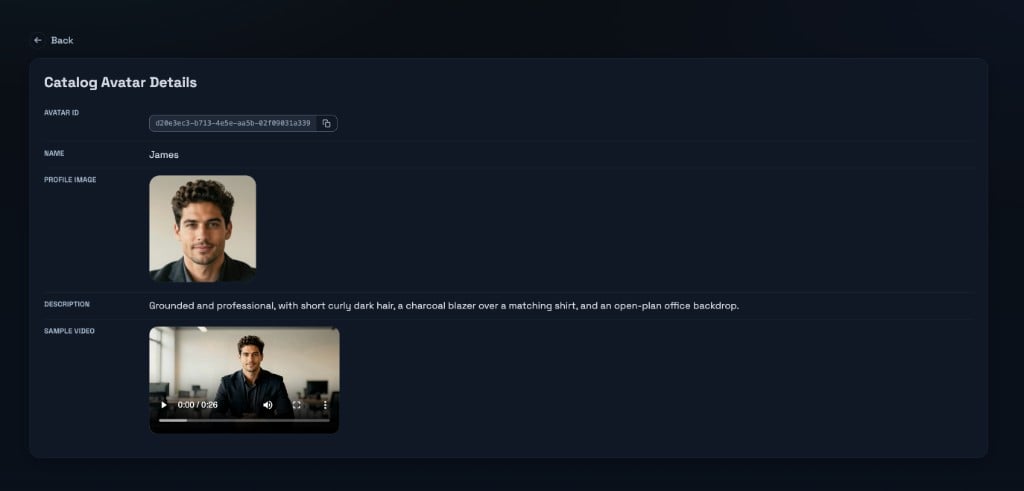
Use a catalog avatar in a conversation
Scenarios define behavior (nodes, tools, prompts). Which avatar performs the conversation is chosen separately when you start the conversation When you callPOST /conversations/connect, include:
scenario_id— the scenario that controls the flowavatar_id— the catalog avatar’s UUID
Use a catalog avatar in a clip
The same catalogavatar_id is what you send when you create a clip. Live conversations and clips use the same catalog avatars.