What Is Akapulu?
A managed platform for real-time conversational AI avatars in your app. Build the conversation visually, then launch a live video agent with one API call. Think of it like n8n for AI avatar conversations. Quickstart →How Do You Tell the Avatar What to Do?
Under the hood, the avatar is powered by an LLM. A scenario is the framework you use to instruct it. You start with one persona for the whole call—tone, role, and guardrails that apply everywhere. Then you split the instructions into stages (we call them nodes): these are like short chapters (i.e. “intro,” “collect details,” or “wrap up.”) In each stage you give a focused task—“what to do right now”—and only the tools that stage needs, so the model isn’t overwhelmed by the full script at once. The conversation will dynamically branch from one stage to another as the call unfolds.
What’s Inside Each Stage?
The Role instruction is the persona for the whole conversation (set once per scenario), used across stages. Inside each stage: Task instruction: what to do here. Functions: the tools the avatar can use here. This helps the avatar keep focus on whatever stage it’s on, without juggling the whole scenario at once.What Tools Can the Avatar Use?
Each stage can have its own set of tools. There are four types: Transition: moves to another stage. HTTP: calls an endpoint in your backend. RAG: pulls from a knowledge base. Vision: sees through the user’s camera. Tools are scoped per stage. The avatar only has access to what the current stage needs.| Type | |
|---|---|
transition | Move to another stage |
http | Call your backend |
rag | Knowledge base lookup |
vision | Camera input |
How Do You Test a Scenario?
Testing Mode simulates your scenario with text-only chat. No avatar, no speech, just the LLM. Iterate on your flow quickly without burning your avatar call minutes. Useful for making sure the conversation flows right before going live. Testing Mode guide →How Do Avatars Work?
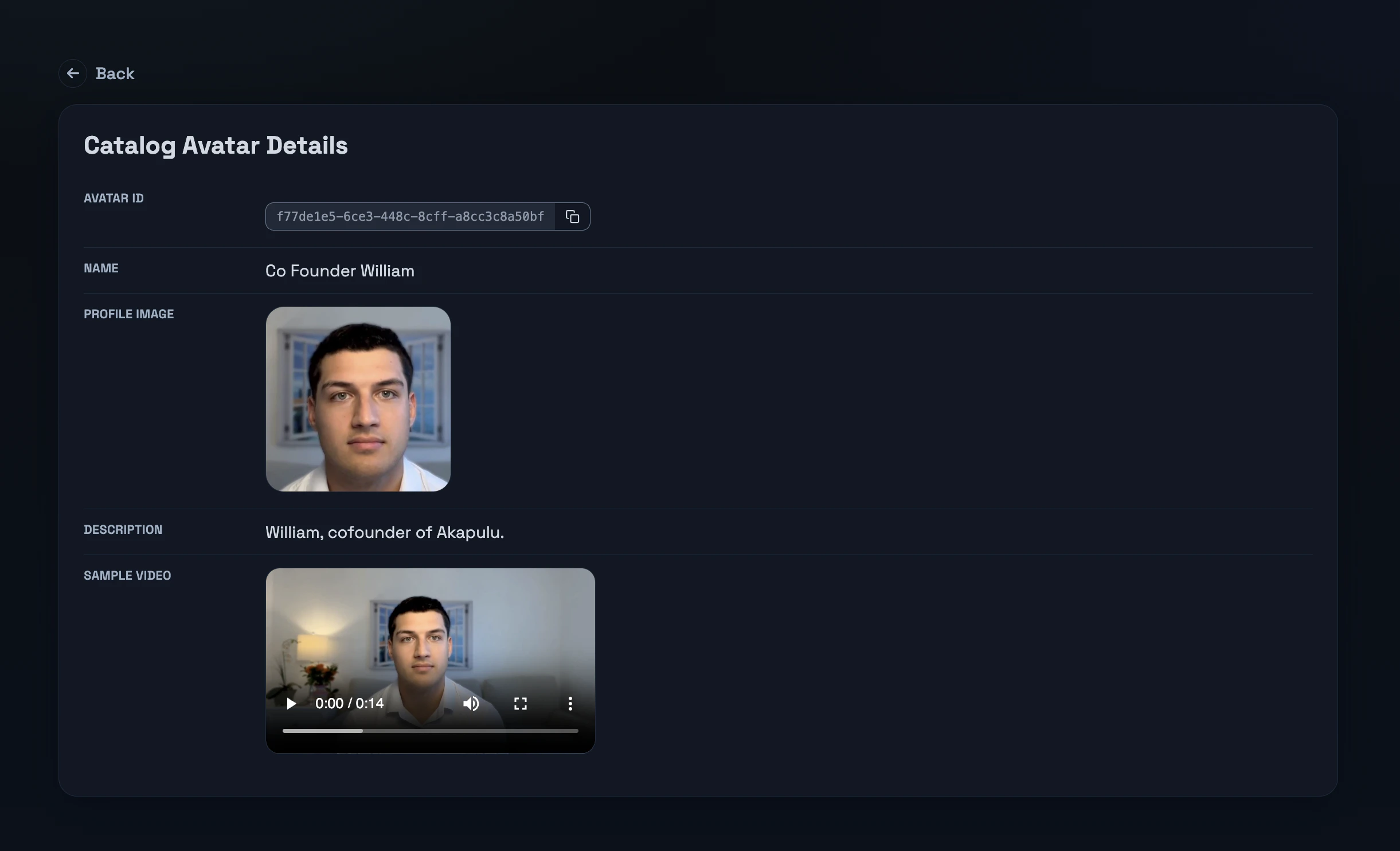
Akapulu provides publicly available, professional avatars to bring your scenarios to life. Pair any avatar with any scenario. Pick from our public catalog to talk to your users, and guide the underlying LLM with whatever scenario you’ve built. You can also create a custom avatar that looks like you by recording a short two-minute video. It pairs with any scenario, just like our catalog avatars.