What this example shows
- Initializing a Pipecat client with Daily transport
- Managing connection and loading state in a custom UI
- Handling built-in RTVI events and Akapulu server messages
- Rendering user and bot video in your own interface
Walkthrough
Run the custom UI flow
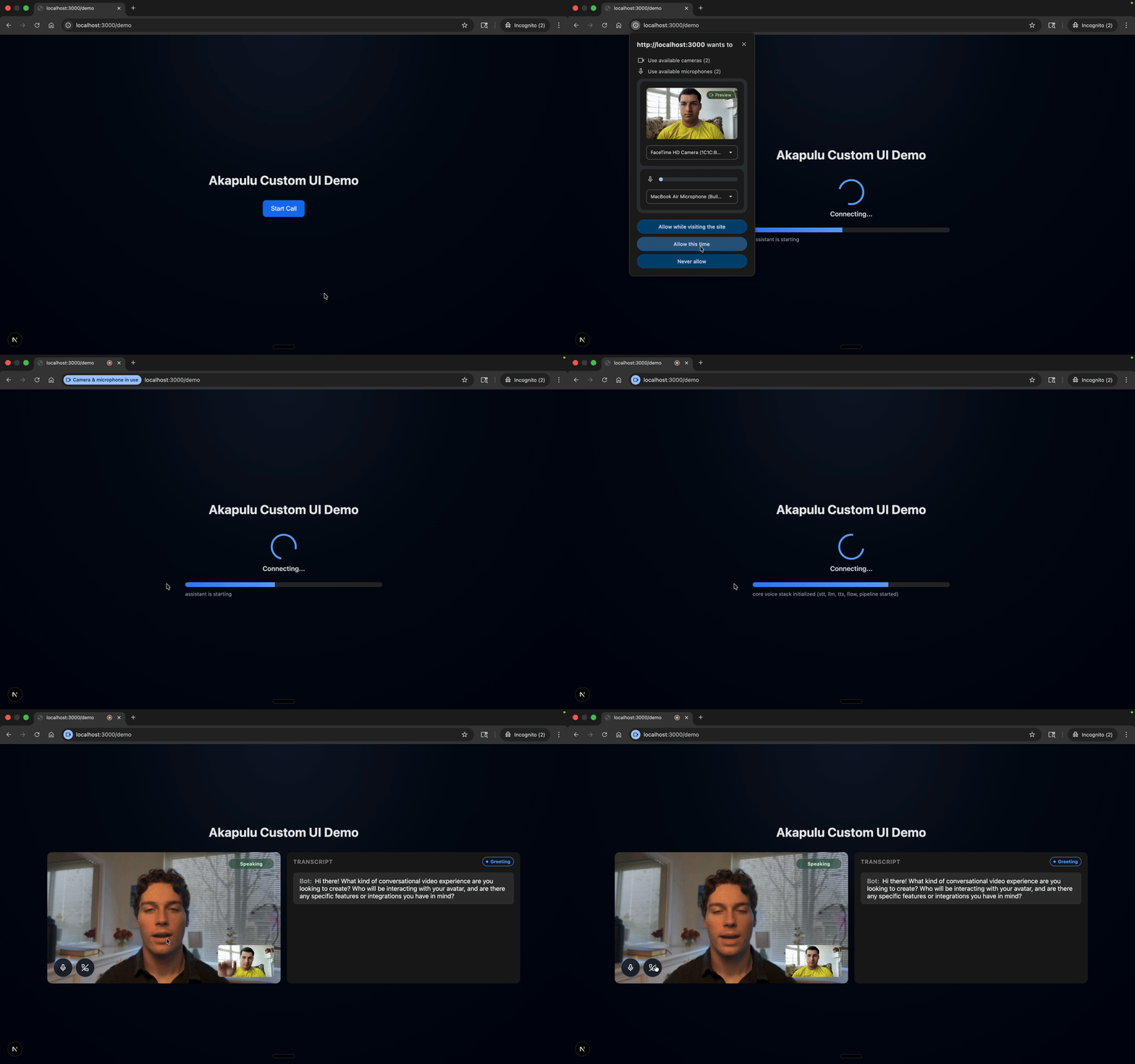
This demo shows the live custom frontend experience: session setup, bot/user video, and in-call UI behavior driven by RTVI events. For instructions, follow the README in the example folder.